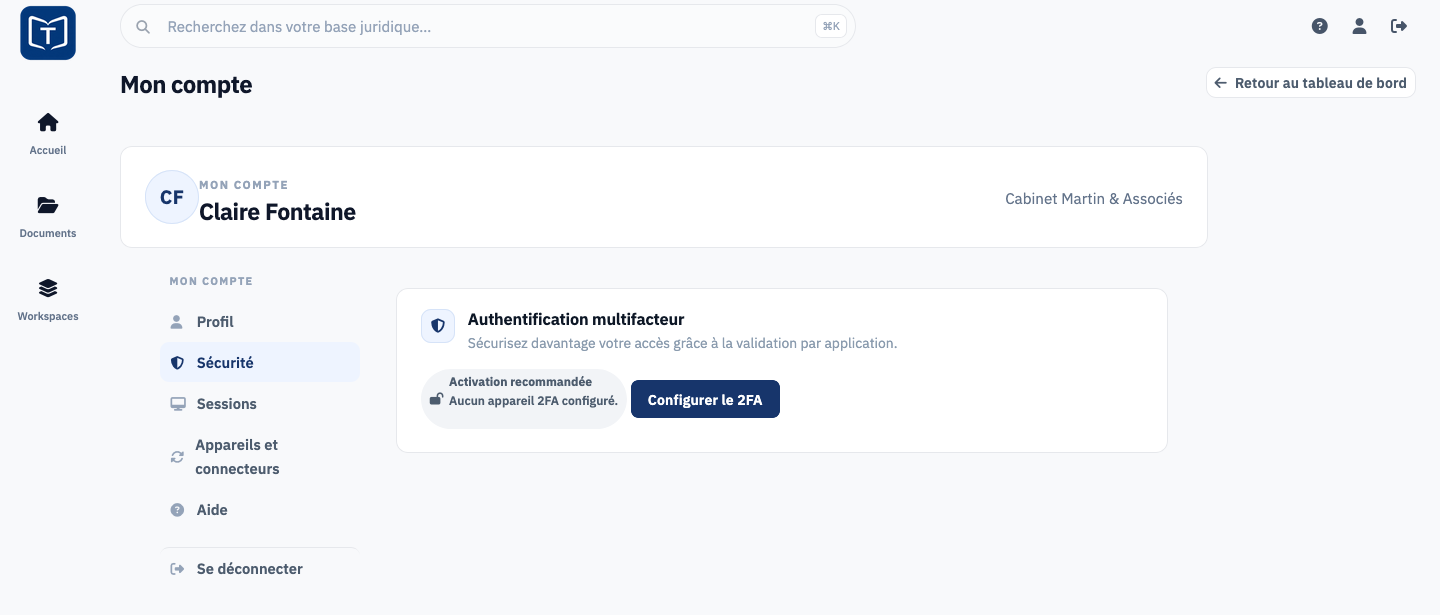
Il vous faut une application d'authentification sur votre téléphone, et deux minutes.
Si votre cabinet l'impose, thesr vous la fait configurer à la connexion, juste après le lien. Sinon, vous pouvez l'activer vous-même si l'abonnement du cabinet comprend Sécurité+ :
- Ouvrez Profil, l'icône de personnage en haut à droite.
- Dans l'onglet Sécurité, cliquez sur Configurer le 2FA.
- Scannez le QR code avec une application d'authentification, par exemple Google Authenticator, Microsoft Authenticator ou 1Password.
- Saisissez le code à six chiffres affiché par l'application pour confirmer.